
If you have any issues with a purchase, a support agent will most likely need a receipt from you in order to check it. More precisely, a screenshot of the receipt.
Your screenshot should contain:
- Transaction ID/Order Number
- Purchase date
- Lot name
- Lot price
Receipts are usually sent to your email within 24 hours from the moment of your purchase.
Here's how you can find them:
Website/Android APK
Epoch
It should look like this:
If you don't have a receipt from Epoch, please contact Epoch Support Service (https://epoch.com/en/billing_support/contact) in order to restore the receipt for your purchase and get back to us!
SegPay
It should look like this:
If you lack a receipt from SegPay, contact their support service (https://cs.segpay.com/) to retrieve it and inform us.
HooliPay/Xpate
We will need a receipt from the bank or PayPal. You can find it in your banking app, on the website, or in an email (if the purchase was made via PayPal).
Steam
It should be sent to the email you used to register on Steam or you could find it this way: The top right corner of Steam "Your name: balance" -> Account details -> View purchase history -> Find the receipt
It should look something like this:
Nutaku
It is usually sent to the email you use with Nutaku and looks something like this:
EROLABS
You can find it on https://www.ero-labs.com/profile-pay-record.html, in your Account page -> History -> Purchase History.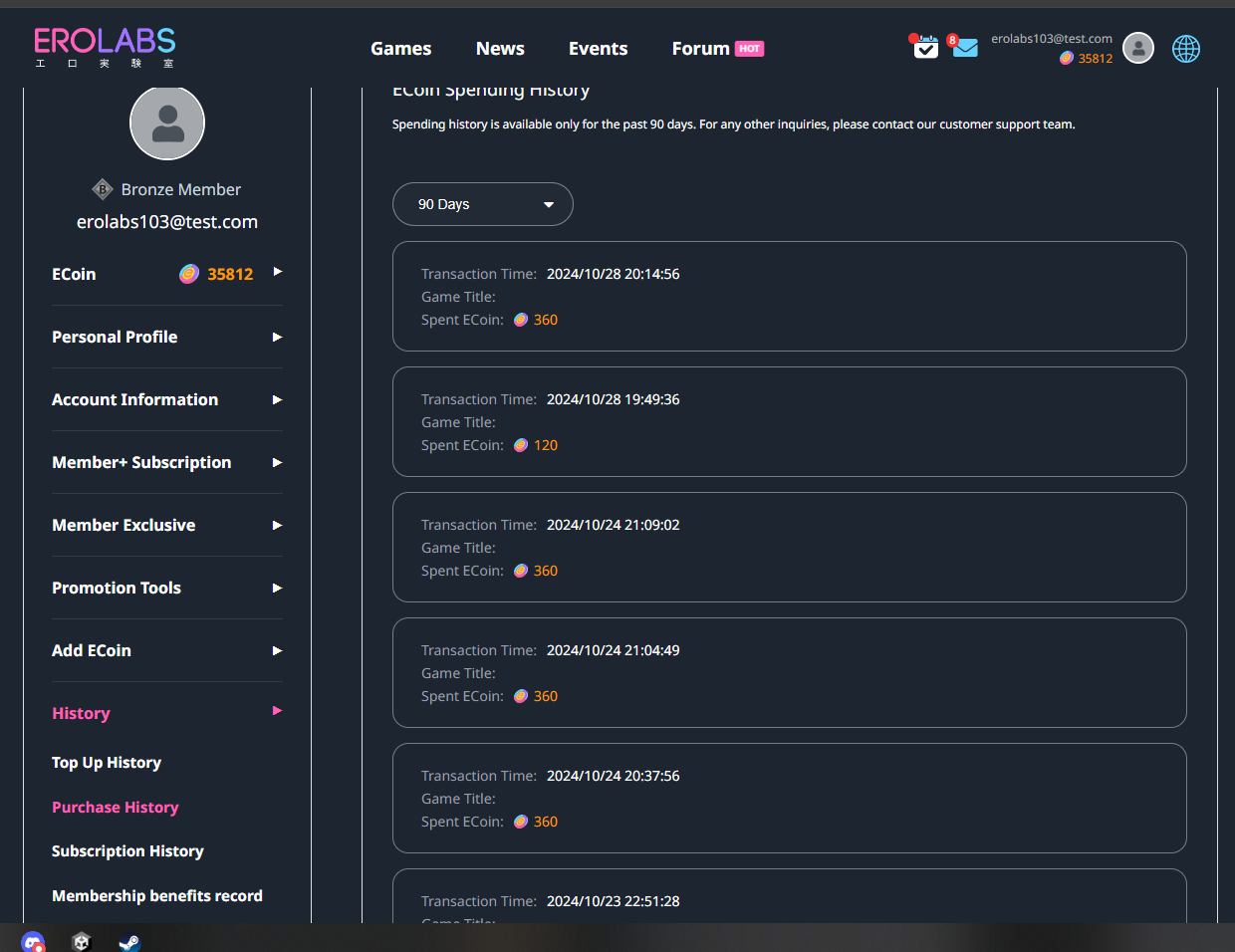
Comments
0 comments
Please sign in to leave a comment.