
You can easily access your game progress at any time by linking it to your email or profile on the platform you are using.
For Web version/Android APK:
If you're using our official website or Android App to play, check if you linked your account to an email.
To do so, go to our site and press Save Progress on the main screen.

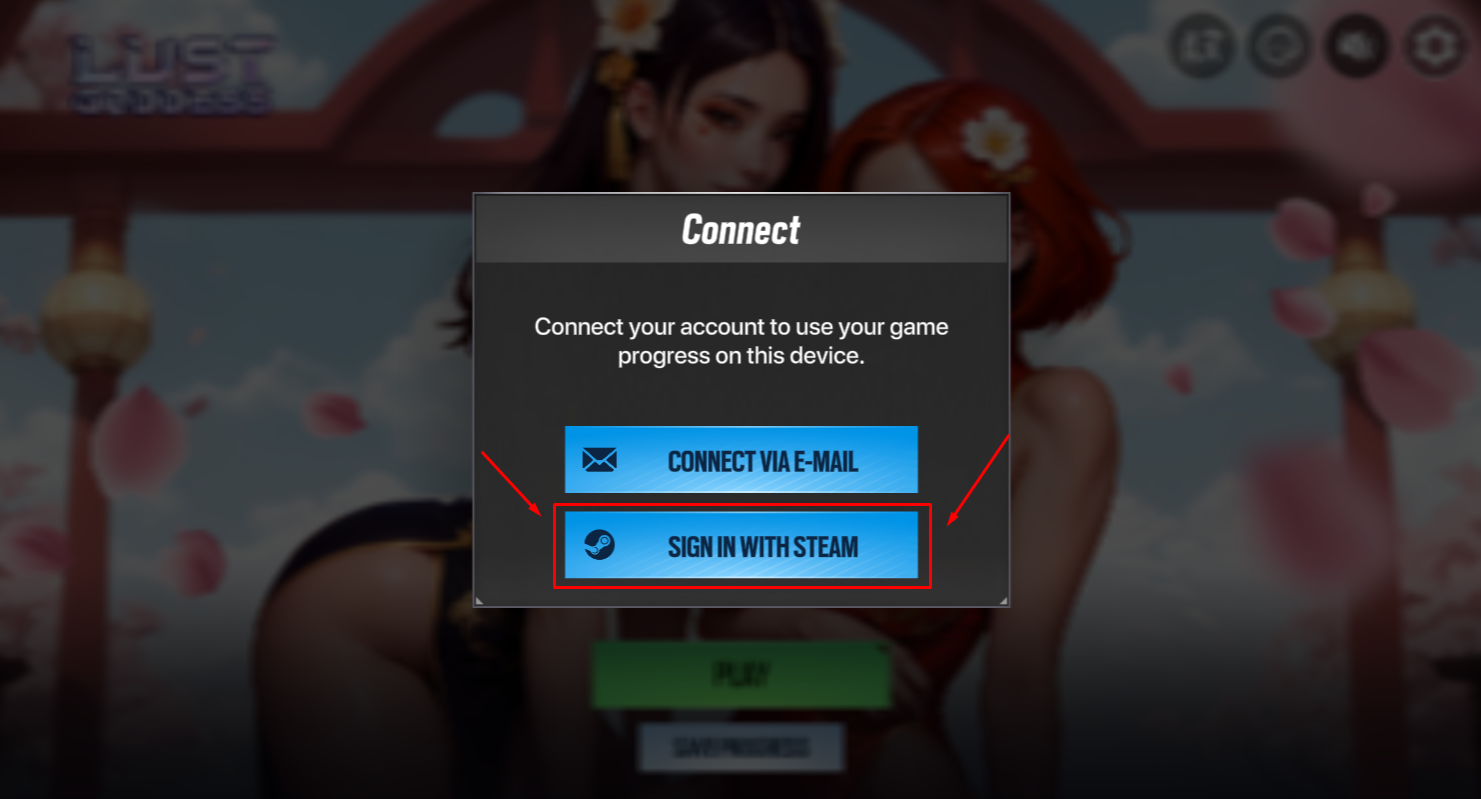
Then, in a pop-up window, press Connect via E-mail.
This should take you to the Log In menu, where you need to put in your email address and password that you have connected to your lost account.
After putting in the correct email address and password, you should be able to successfully log into your old account.
Also available is the option to authorize to our web platform and the corresponding Android version using your Steam account.
For Nutaku:
To authorize the Lust Goddess on Nutaku account, log in to your Nutaku account on any browser or device, including the official Android Nutaku APK.
For Steam:
Your Lust Goddess account is connected to your Steam profile, allowing you to log in from any device with Steam installed.
For EROLABS:
Your game account is linked to your EROLABS profile. Please log into your EROLABS account to authorize.
Still have issues?
If you weren't able to get your progress back after following the instructions above, or you're using another platform to play, you should contact us here.
To be able to restore your progress, we will need some particular information, so please put in as much as you can remember. It will help us greatly!
- Your old account's ID
- Your newly created account's ID
- A screenshot of a receipt for a purchase with a Transaction ID in case you made any
- Your old account's nickname
- Alliance name of yours if you joined any
- Your friend's ID
- Any other useful info (e.g. best mercs in your collection, approximate dates of creating the account and the last login, or anything else that you can recall)
Comments
0 comments
Please sign in to leave a comment.